
Stay connected with the PlayStation App APK, manage your PS account, chat with friends, and download games on the go!

PlayStation APK v26.8.0
PlayStation APK
Download for Android
| App Name | PlayStation |
|---|---|
| Package ID | com.scee.psxandroid |
| Genre | Apps, Lifestyle |
| Size | 78.6 MB |
| Latest Version | 26.8.0 |
Discover the PlayStation App APK for Android
Imagine being able to stay connected with your PlayStation world even when you’re away from your console. That’s exactly what the PlayStation App APK for Android allows you to do.
This app is like a magical portal that keeps you linked to your gaming friends, your favorite games, and all the latest happenings in the PlayStation universe. Whether you’re on a bus, at a park, or just lounging on your couch, the PlayStation App ensures you’re never too far from your gaming adventures.
What is the PlayStation App?
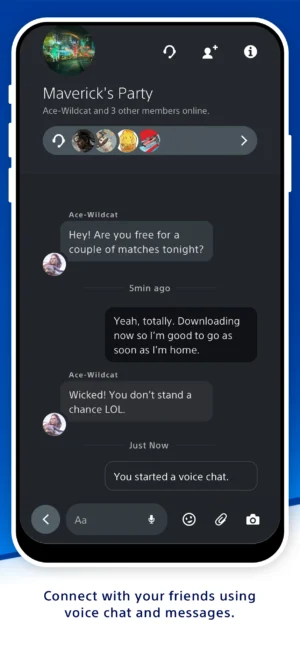
The PlayStation App is Sony’s official app designed specifically for PlayStation consoles. Think of it as your personal assistant for everything PlayStation-related. With this app, you can manage your PlayStation account, check who among your friends is online, and even chat with them using voice or text messages.
It’s like having a mini PlayStation console right in your pocket! The app is free to download and is available for both Android and iOS devices, making it super accessible for most gamers.
Key Features of the PlayStation App
The PlayStation App is packed with features that make it a must-have for any PlayStation enthusiast. Here are some of the cool things you can do with it:
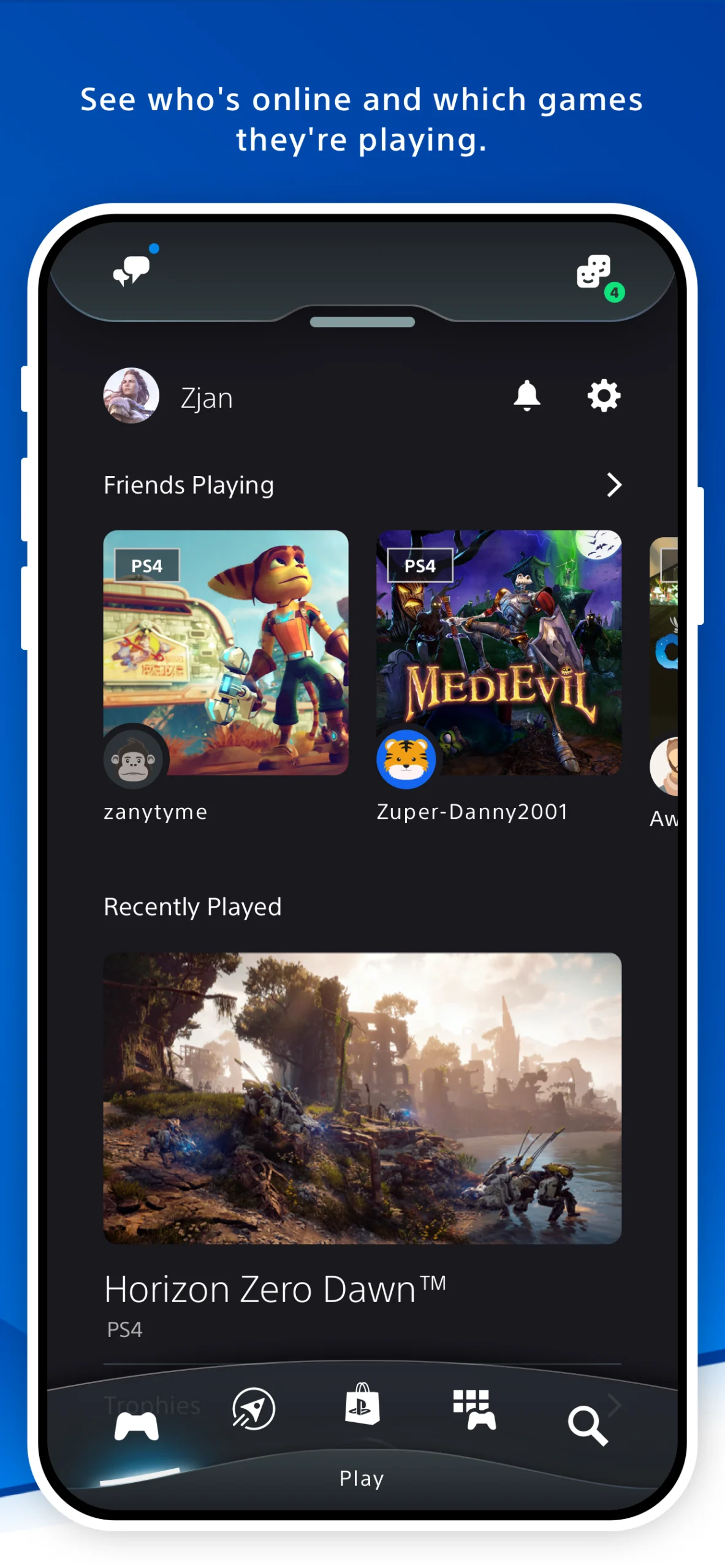
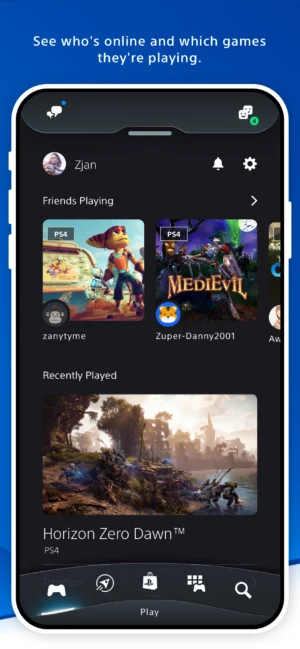
- Stay Connected: See which of your friends are online and what games they’re playing.
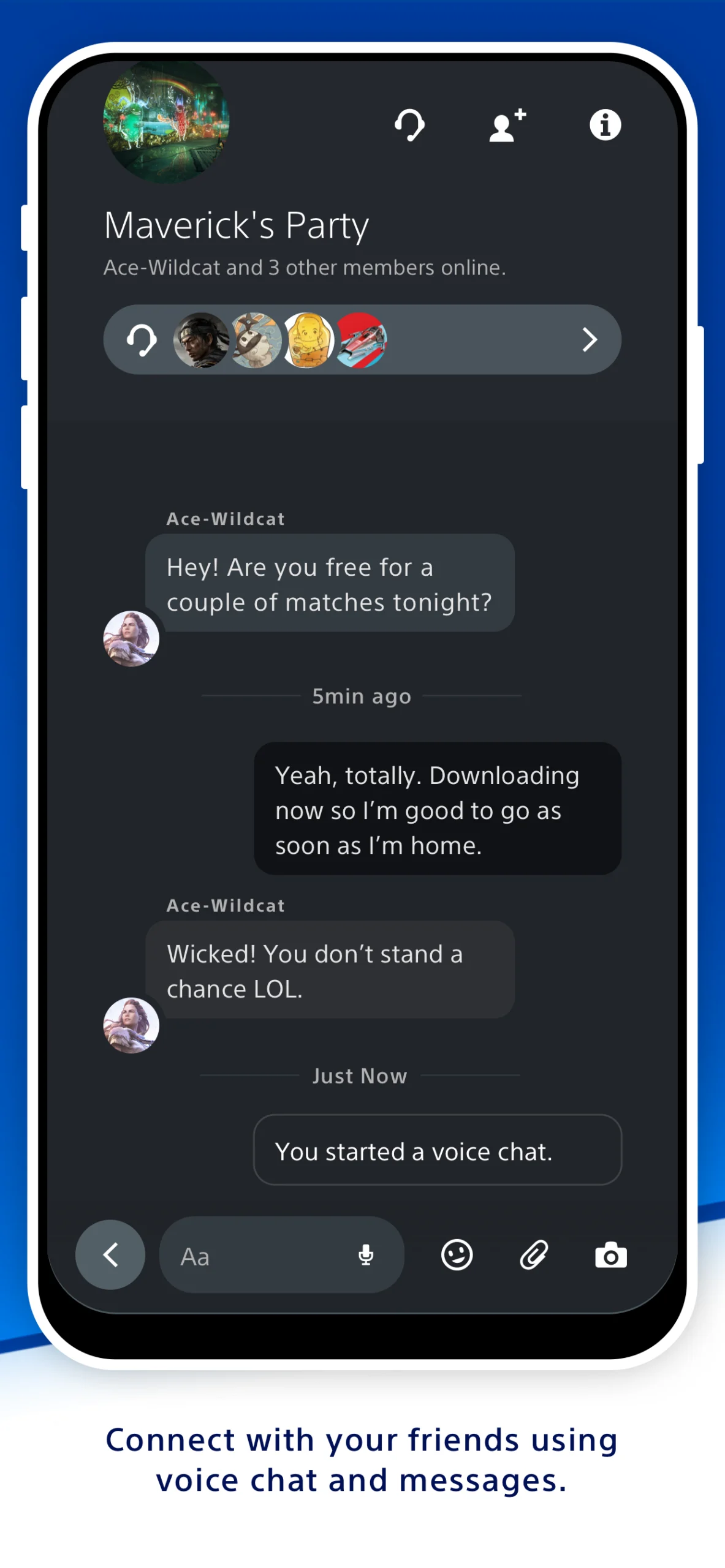
- Voice Chat and Messaging: Chat with your friends using voice or text messages, just like you would on your console.
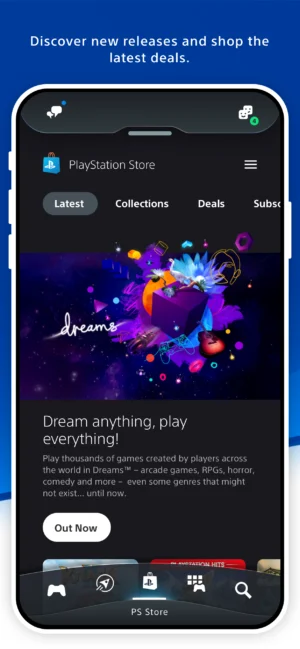
- Game Library Access: Browse your game library and check out the latest game releases.
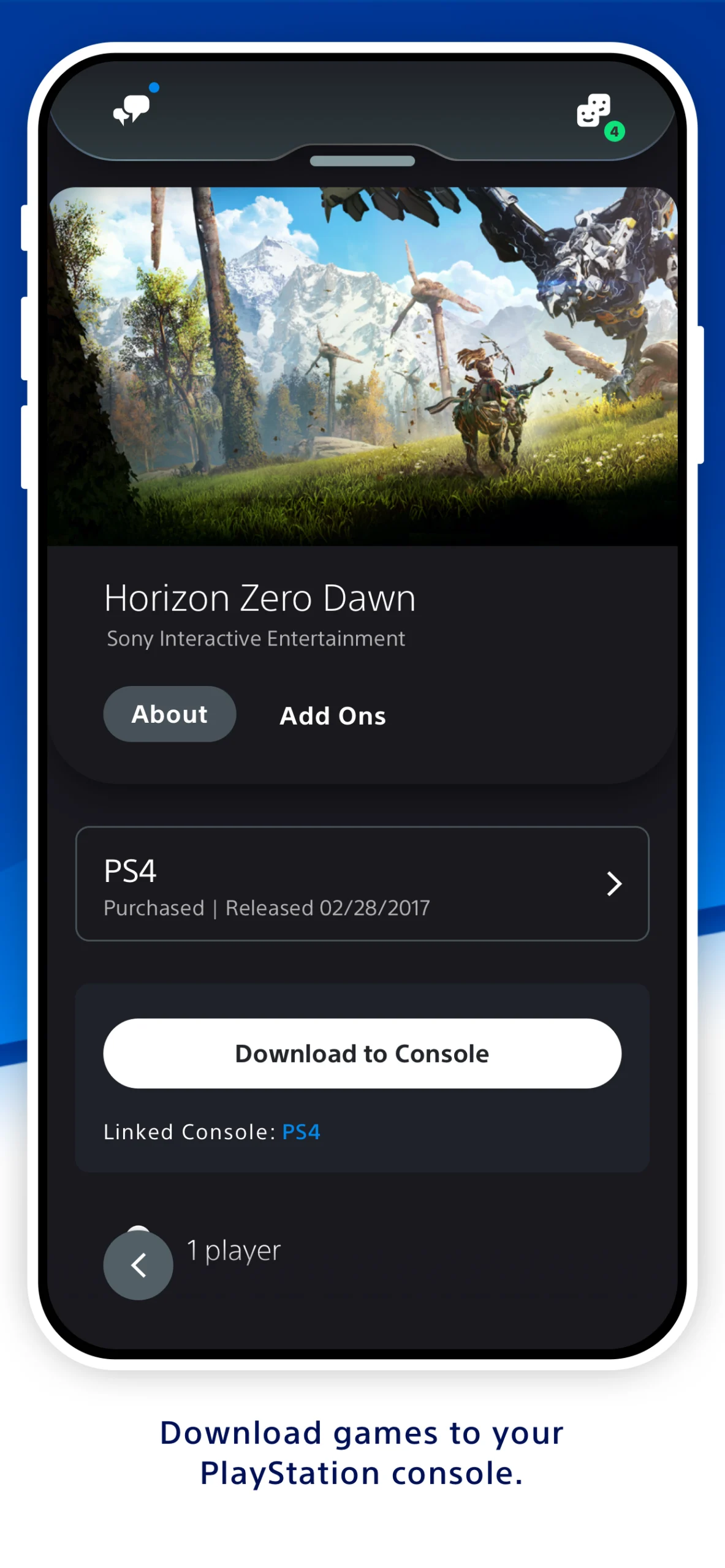
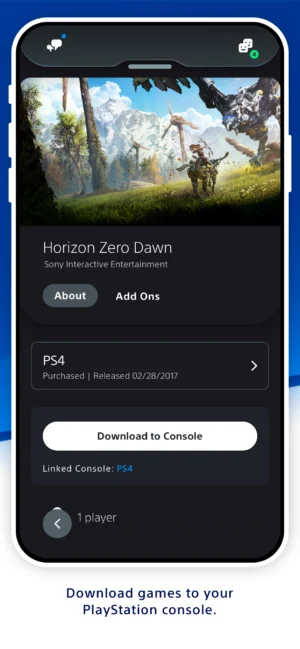
- Download Games and Add-ons: Purchase and download games or add-ons directly to your console, so they’re ready to play when you are.
- Manage Console Storage: If your PS5 console runs out of space, you can manage its storage right from the app.
How to Download the PlayStation App APK for Android
Downloading the PlayStation App APK for Android is a breeze. You don’t need to go searching on the internet or visit multiple websites. Simply follow these easy steps to get the app on your device:
- Check Compatibility: Ensure your Android device is running version 8.0 or later.
- Download the APK: Click on the download button provided at the top to get the PlayStation App APK directly onto your device.
- Install the App: Once the download is complete, open the APK file and follow the on-screen instructions to install the app.
- Log In to Your Account: After installation, open the app and log in using your PlayStation Network account details.
And voila! You’re all set to explore the PlayStation world from your Android device.
Why Use the PlayStation App?
You might be wondering why you should use the PlayStation App when you can just play on your console. Well, the app is not just about playing games; it’s about enhancing your overall PlayStation experience. Here are some reasons why the app is a game-changer:
- Convenience: Access your PlayStation account and manage your games anytime, anywhere.
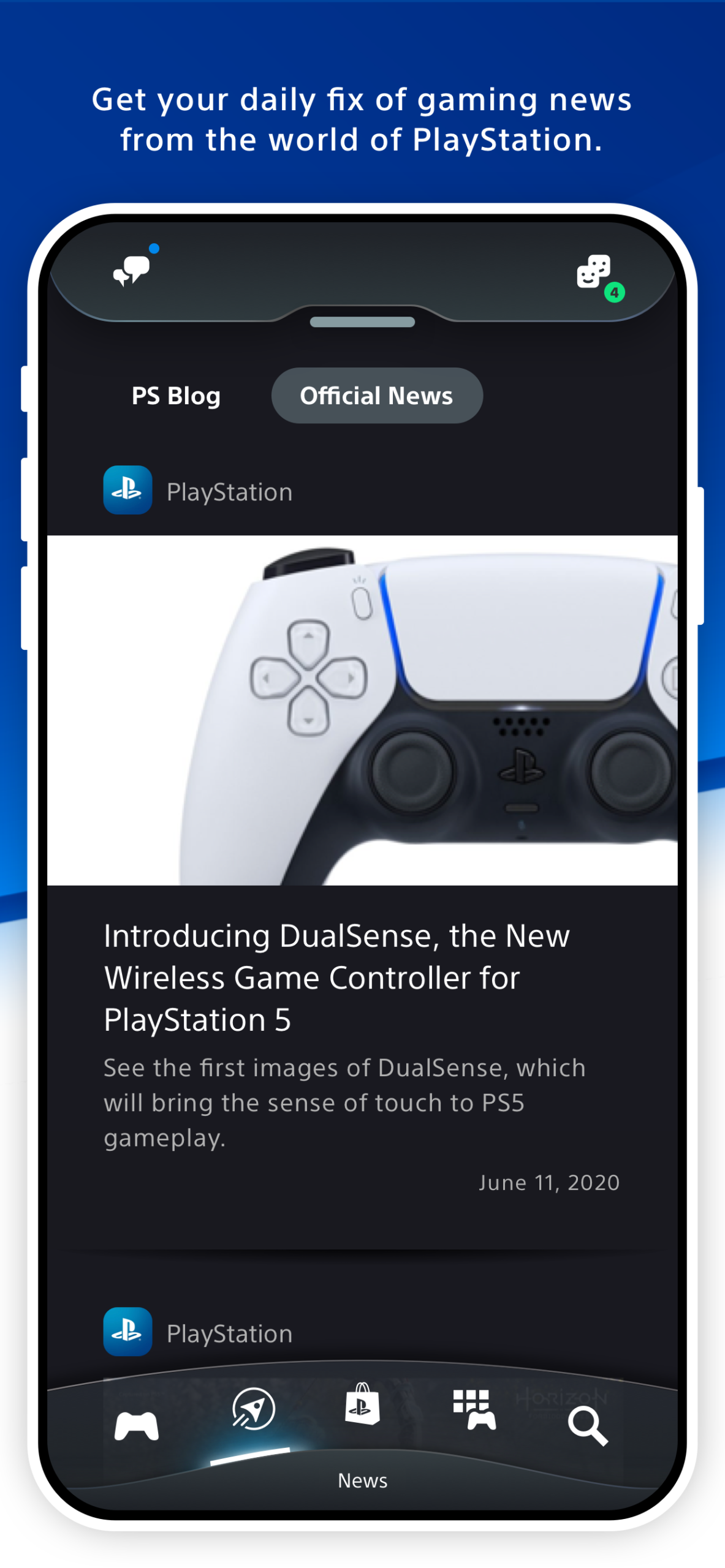
- Stay Updated: Get notifications about game updates, friend requests, and new messages.
- Social Interaction: Keep in touch with your gaming buddies even when you’re not playing.
- Remote Management: Manage your console’s storage and downloads remotely, saving you time and hassle.
Tips for Using the PlayStation App
To make the most out of the PlayStation App, here are some handy tips:
- Customize Notifications: Adjust your notification settings so you only receive alerts that matter to you.
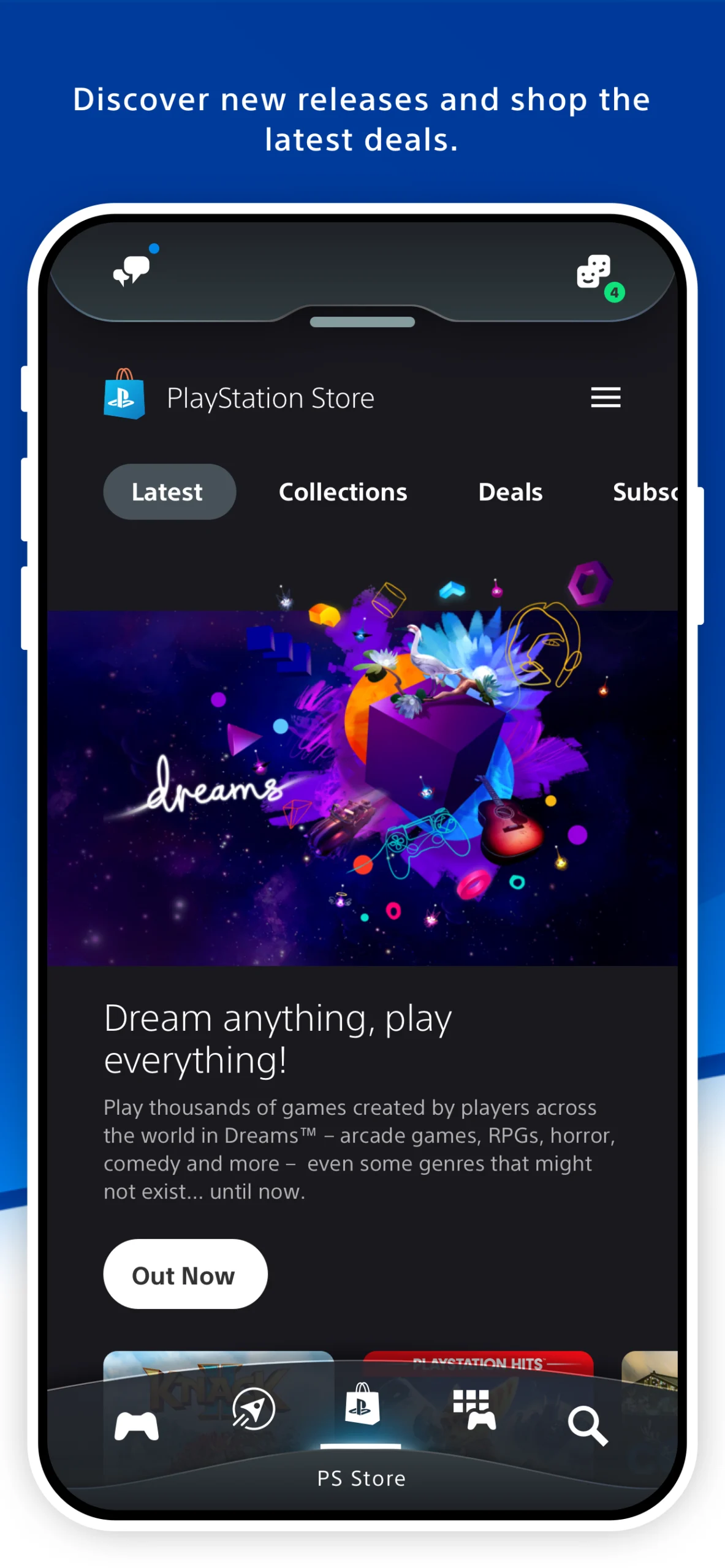
- Explore the Store: Regularly check the PlayStation Store for exclusive deals and offers.
- Keep Your App Updated: Ensure your app is always updated to enjoy the latest features and improvements.
- Use Voice Chat: Take advantage of the voice chat feature to communicate with friends during multiplayer games.
Troubleshooting Common Issues
While the PlayStation App is generally smooth and user-friendly, you might occasionally run into some hiccups. Here are some common issues and how to fix them:
- App Crashing: If the app crashes, try restarting your device or reinstalling the app.
- Login Problems: Ensure your internet connection is stable and your account credentials are correct.
- Download Errors: Check your device’s storage space and make sure there’s enough room for the app and its updates.
Frequently Asked Questions
Can I use the PlayStation App on any Android device?
The PlayStation App is compatible with Android devices running version 8.0 or later. Make sure your device meets this requirement before downloading the app.
Is the PlayStation App free to use?
Yes, the PlayStation App is completely free to download and use. However, some features, like purchasing games, may require additional payments.
What should I do if I forget my PlayStation Network password?
If you forget your password, you can reset it by visiting the PlayStation Network website and following the password recovery process.
Can I play games directly on the PlayStation App?
No, the PlayStation App is designed for managing your PlayStation account and staying connected with friends. You cannot play games directly on the app.
How often is the PlayStation App updated?
The PlayStation App is regularly updated to improve performance and add new features. Make sure to keep your app updated for the best experience.
Conclusion
The PlayStation App APK for Android is a fantastic tool that keeps you connected to your PlayStation world no matter where you are. With its array of features and user-friendly interface, it’s like having a mini-console in your pocket.
Whether you’re managing your game library, chatting with friends, or downloading the latest game, the app makes it all possible with just a few taps. So, go ahead and download the PlayStation App APK today, and take your gaming experience to the next level!
5/5 (1 vote)